Coding the NLP Pipeline in Python: Complete Beginner’s Guide
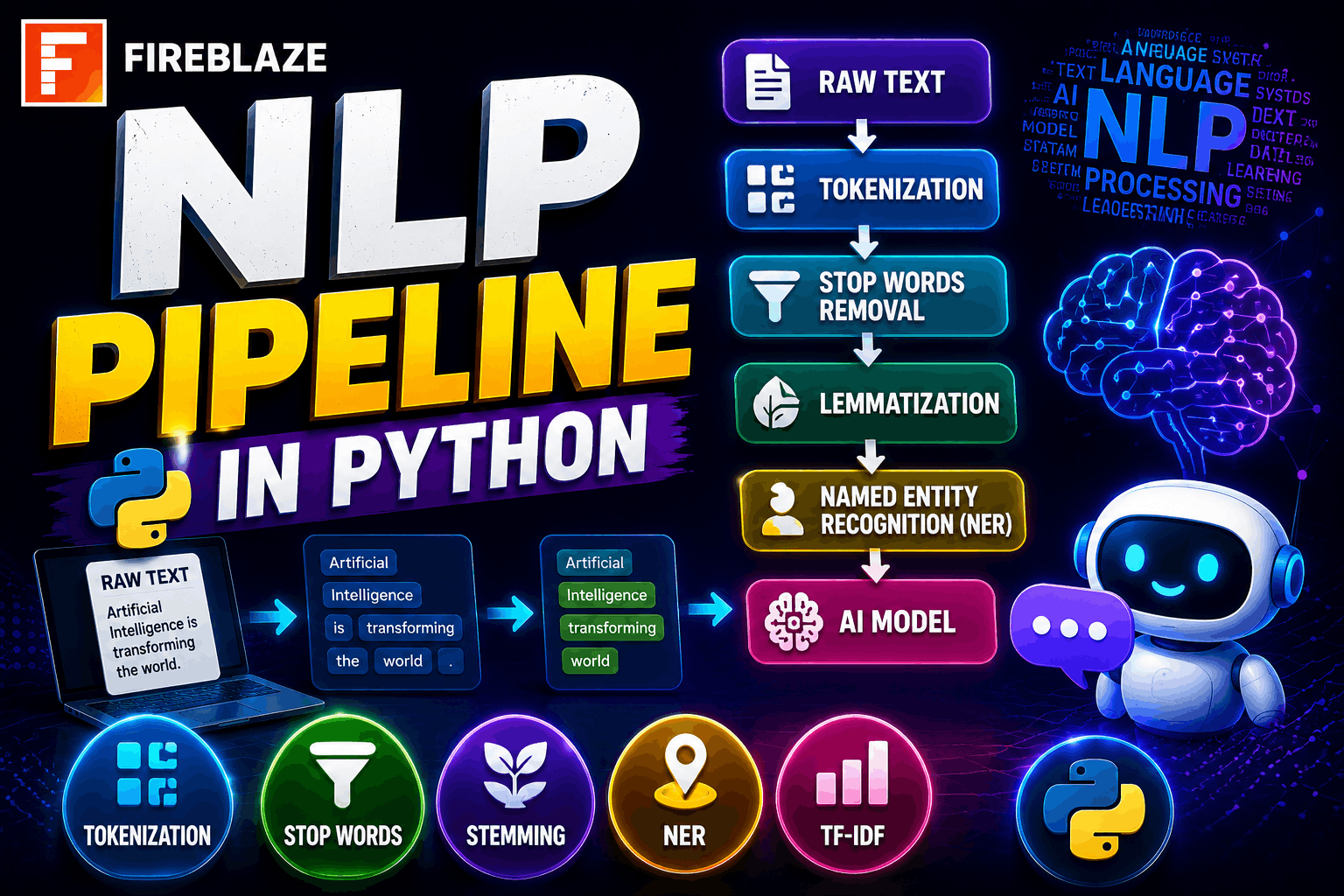
Coding the NLP Pipeline in Python: Complete Beginner’s Guide
Natural Language Processing (NLP) is one of the fastest-growing domains in Artificial Intelligence. From chatbots and virtual assistants to sentiment analysis and language translation, NLP powers many modern AI applications.
Before machines can understand human language, raw text must go through several processing stages. This sequence of steps is called an NLP Pipeline.
An NLP pipeline helps transform unstructured text into structured information that machine learning models can understand.
In this guide, you'll learn:
What an NLP pipeline is
Why NLP pipelines are important
Stages of an NLP pipeline
Python implementation examples
NLTK and SpaCy usage
Real-world NLP applications
AI career opportunities
What is an NLP Pipeline?
An NLP Pipeline is a sequence of processing steps used to convert raw text into meaningful data for analysis and machine learning.
Instead of directly feeding text into a model, NLP systems first perform several preprocessing operations.
Example Input:
Artificial Intelligence is transforming industries rapidly.\nPipeline Stages:
Text Cleaning
Tokenization
Stop Word Removal
Stemming
Lemmatization
Feature Extraction
Model Training
Output:
Structured and machine-readable text data.
Why NLP Pipelines are Important
Raw text contains:
Punctuation
Special characters
Stop words
Noise
Inconsistent formatting
Without preprocessing, machine learning models may perform poorly.
Benefits of NLP Pipelines:
Improved model accuracy
Better text understanding
Faster processing
Consistent workflows
Efficient feature extraction
Step 1: Installing Required Libraries
Install NLP libraries:
pip install nltk\npip install spacy\nDownload required NLTK datasets:
import nltk\n\nnltk.download('punkt')\nnltk.download('stopwords')\nStep 2: Text Cleaning
Text cleaning removes unwanted elements.
Example:
import re\n\ntext = "Hello!!! Welcome to NLP @ Fireblaze AI School."\n\nclean_text = re.sub(\nr'[^a-zA-Z ]',\n'',\ntext\n)\n\nprint(clean_text)\nOutput:
Hello Welcome to NLP Fireblaze AI School\nStep 3: Tokenization
Tokenization splits text into smaller units called tokens.
Example:
from nltk.tokenize import word_tokenize\n\ntext = "NLP is transforming technology."\n\ntokens = word_tokenize(text)\n\nprint(tokens)\nOutput:
['NLP', 'is', 'transforming', 'technology']\nStep 4: Stop Word Removal
Stop words are common words that often add little meaning.
Examples:
is
the
and
a
Code:
from nltk.corpus import stopwords\n\nstop_words = set(\nstopwords.words('english')\n)\n\nfiltered_words = [\nword for word in tokens\nif word.lower() not in stop_words\n]\n\nprint(filtered_words)\nOutput:
['NLP', 'transforming', 'technology']\nStep 5: Stemming
Stemming reduces words to their root form.
Example:
from nltk.stem import PorterStemmer\n\nstemmer = PorterStemmer()\n\nprint(\nstemmer.stem("running")\n)\nOutput:
run\nExamples:
| Original Word | Stemmed |
|---|---|
| Running | Run |
| Playing | Play |
| Connected | Connect |
Step 6: Lemmatization
Lemmatization converts words into meaningful base forms.
Example:
from nltk.stem import WordNetLemmatizer\n\nlemmatizer =\nWordNetLemmatizer()\n\nprint(\nlemmatizer.lemmatize("running")\n)\nOutput:
running\nLemmatization is generally more accurate than stemming.
Step 7: Part-of-Speech (POS) Tagging
POS tagging identifies grammatical roles.
Example:
import nltk\n\ntext =\nword_tokenize(\n"NLP is fascinating"\n)\n\nprint(\nnltk.pos_tag(text)\n)\nOutput:
[('NLP', 'NN'),\n('is', 'VBZ'),\n('fascinating', 'VBG')]\nStep 8: Named Entity Recognition (NER)
NER identifies important entities.
Examples:
Person names
Organizations
Locations
Using SpaCy:
import spacy\n\nnlp =\nspacy.load(\n"en_core_web_sm"\n)\n\ndoc =\nnlp(\n"Google hired a Data Scientist in India."\n)\n\nfor ent in doc.ents:\n print(\n ent.text,\n ent.label_\n )\nOutput:
Google ORG\nIndia GPE\nStep 9: Feature Extraction
Machine learning models require numerical data.
Popular methods:
Bag of Words
TF-IDF
Word Embeddings
Example:
from sklearn.feature_extraction.text import TfidfVectorizer\n\ndocuments = [\n"NLP is amazing",\n"Machine Learning is powerful"\n]\n\nvectorizer =\nTfidfVectorizer()\n\nfeatures =\nvectorizer.fit_transform(\ndocuments\n)\n\nprint(features.toarray())\nStep 10: Model Training
After preprocessing and feature extraction:
Train machine learning models
Perform predictions
Evaluate performance
Popular NLP tasks:
Sentiment Analysis
Spam Detection
Text Classification
Chatbots
Complete NLP Pipeline Example
import nltk\nfrom nltk.tokenize import word_tokenize\nfrom nltk.corpus import stopwords\n\ntext =\n"Artificial Intelligence is changing the world."\n\ntokens =\nword_tokenize(text)\n\nstop_words =\nset(stopwords.words('english'))\n\nfiltered_words = [\nword for word in tokens\nif word.lower()\nnot in stop_words\n]\n\nprint(filtered_words)\nOutput:
['Artificial',\n'Intelligence',\n'changing',\n'world']\nReal-World Applications of NLP Pipelines
Chatbots
Used in:
Customer support
Virtual assistants
AI conversation systems
Sentiment Analysis
Analyzes customer opinions from:
Reviews
Social media
Feedback systems
Search Engines
Helps understand user intent and search relevance.
Machine Translation
Used in language translation systems.
Examples:
Google Translate
AI language tools
Email Spam Detection
Identifies unwanted emails automatically.
Healthcare
Processes:
Clinical notes
Medical reports
Patient records
NLP Libraries Used in Python
NLTK
Popular for:
Learning NLP
Research
Educational projects
Provides:
Tokenization
Stemming
POS tagging
Text processing
SpaCy
Designed for:
Production systems
High performance NLP
Provides:
NER
Dependency Parsing
Industrial NLP workflows
Scikit-Learn
Used for:
Feature extraction
Machine learning models
Text classification
Career Opportunities in NLP
NLP skills are highly valuable in AI careers.
Popular roles:
NLP Engineer
AI Engineer
Data Scientist
Machine Learning Engineer
Research Scientist
Generative AI Engineer
Industries hiring NLP professionals:
Healthcare
Finance
E-commerce
Education
Technology
Cybersecurity
Common NLP Interview Questions
What is NLP?
Natural Language Processing enables machines to understand and process human language.
What is Tokenization?
Tokenization splits text into smaller units called tokens.
Difference Between Stemming and Lemmatization
| Stemming | Lemmatization |
|---|---|
| Faster | More accurate |
| Removes suffixes | Uses vocabulary and context |
What are Stop Words?
Common words that often add little meaning to text analysis.
What is Named Entity Recognition?
NER identifies entities such as people, organizations, and locations.
Final Thoughts
Coding an NLP pipeline in Python is one of the most important foundational skills in Artificial Intelligence and Machine Learning. By learning text preprocessing, tokenization, stop word removal, stemming, lemmatization, feature extraction, and NLP model development, you can build intelligent systems that understand human language.
Whether you're preparing for AI careers, Data Science interviews, Machine Learning projects, or Generative AI applications, mastering the NLP pipeline is an essential step toward becoming an industry-ready AI professional.