Comments in Python: Complete Beginner’s Guide to Writing Better Code
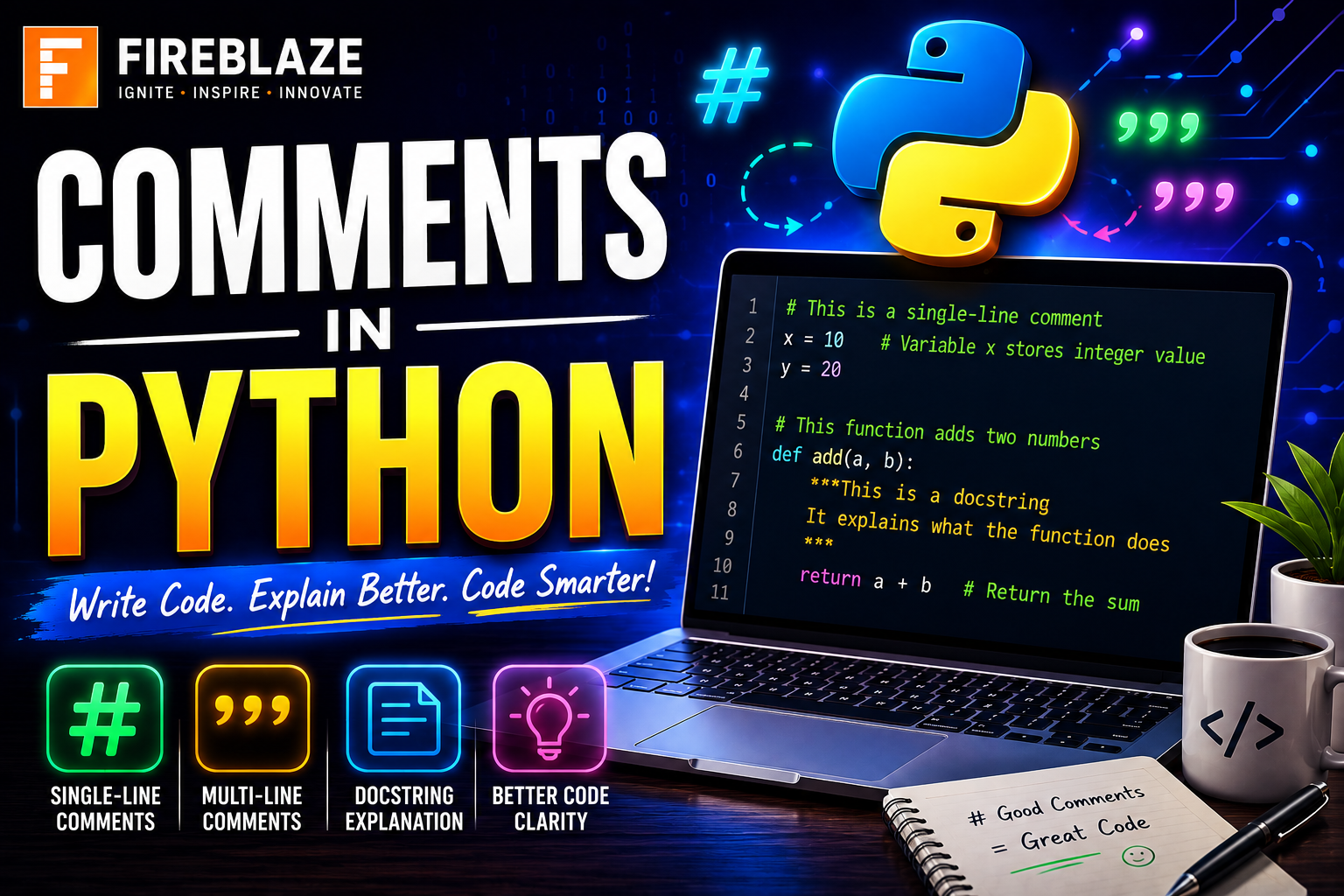
Comments in Python: Complete Beginner’s Guide to Writing Better Code
When writing Python programs, it is important not only to write working code but also to make the code easy to understand.
As projects grow larger, developers need ways to explain:
Program logic
Functions
Algorithms
Important notes
Business rules
This is where:
Comments in Python\nbecome extremely useful.
Comments help developers understand code quickly without reading every line in detail.
They are one of the most important practices in software development, Data Science, Artificial Intelligence, Machine Learning, and automation projects.
In this guide, you'll learn:
What comments are
Why comments are important
Single-line comments
Multi-line comments
Docstrings
Real-world examples
Best practices
What are Comments in Python?
Comments are lines of text written inside a Python program that are ignored by the Python interpreter.
They are used to:
Explain code
Improve readability
Add documentation
Help developers understand logic
Comments do not affect program execution.
Example:
# This is a comment\n\nprint("Hello World")\nOutput:
Hello World\nThe comment is ignored during execution.
Why are Comments Important?
Comments make programs easier to read and maintain.
Benefits include:
Better code readability
Easier debugging
Improved collaboration
Faster maintenance
Better project documentation
Without comments, large projects become difficult to understand.
Single-Line Comments in Python
Single-line comments start with:
#\nEverything after:
#\non that line is treated as a comment.
Example:
# Display greeting message\n\nprint("Welcome")\nOutput:
Welcome\nMultiple Single-Line Comments
Example:
# Program to add two numbers\n\n# Store values\na = 10\nb = 20\n\n# Print result\nprint(a + b)\nOutput:
30\nInline Comments in Python
Comments can also appear after code statements.
Example:
x = 100 # Store value\nHere:
Store value\nis an inline comment.
Multi-Line Comments in Python
Python does not have a dedicated multi-line comment symbol like some other languages.
However, developers commonly use:
Triple Quotes\nExample:
"""\nThis is a\nmulti-line comment\nin Python\n"""\nMulti-Line Comment Example
"""\nProgram Name:\nStudent Management System\n\nAuthor:\nFireblaze AI School\n"""\n\nprint("Program Started")\nOutput:
Program Started\nWhat are Docstrings in Python?
Docstrings are special strings used for documentation.
They are written using triple quotes.
Example:
def greet():\n """\n This function\n displays a greeting.\n """\n \n print("Hello")\nDocstrings explain:
Functions
Classes
Modules
Accessing Docstrings
Example:
def add():\n """\n Add two numbers\n """\n \n pass\n\nprint(add.__doc__)\nOutput:
Add two numbers\nComments vs Docstrings
| Comments | Docstrings |
|---|---|
| Explain code | Document functions and classes |
| Ignored completely | Stored as metadata |
| Use # | Use triple quotes |
Example of Comments in Python
# Store student marks\nmarks = 85\n\n# Check result\nif marks >= 40:\n print("Pass")\nOutput:
Pass\nReal-World Example
# Calculate salary bonus\n\nsalary = 50000\n\nbonus = salary * 0.10\n\nprint(bonus)\nOutput:
5000\nThe comment helps explain the purpose of the code.
Comments in Data Science Projects
Data Science projects often contain:
Data Cleaning
Feature Engineering
Model Building
Visualization
Comments help explain each step.
Example:
# Load dataset\ndf = pd.read_csv("data.csv")\n\n# Remove missing values\ndf.dropna()\nComments in Machine Learning
Machine Learning projects involve complex workflows.
Example:
# Split dataset\nX_train, X_test = train_test_split(X, y)\n\n# Train model\nmodel.fit(X_train, y_train)\nComments improve readability and understanding.
Comments in Web Development
Example:
# Create Flask application\napp = Flask(__name__)\nAdvantages of Comments
Improves Readability
Code becomes easier to understand.
Helps Team Collaboration
Multiple developers can understand project logic.
Simplifies Debugging
Developers can quickly identify code sections.
Useful for Documentation
Comments explain:
Functions
Modules
Business logic
Common Mistakes Beginners Make
Writing Too Many Comments
Bad Example:
# Store 10 in x\nx = 10\nThis comment is unnecessary because the code is already obvious.
Writing Outdated Comments
If code changes but comments remain unchanged, confusion occurs.
Explaining Obvious Code
Avoid comments that repeat what code already shows.
Good Comment Example
# Calculate monthly loan EMI\nThis explains business logic clearly.
Bad Comment Example
# Increment i by 1\ni += 1\nThe code already explains itself.
Best Practices for Writing Comments
Keep Comments Meaningful
Explain why something is done.
Use Simple Language
Comments should be easy to understand.
Update Comments Regularly
Ensure comments match current code.
Avoid Unnecessary Comments
Only add comments where needed.
Use Docstrings for Functions
Functions should include proper documentation.
Example:
def multiply(a, b):\n """\n Returns multiplication\n of two numbers.\n """\n \n return a * b\nComments in Large Software Projects
In enterprise applications, comments help document:
APIs
Database operations
Security rules
Business logic
System architecture
Proper comments improve maintainability.
Common Interview Questions
What are Comments in Python?
Comments are lines ignored by the Python interpreter and used to explain code.
How Do You Write a Single-Line Comment?
Using:
# Comment\nHow Do You Write Multi-Line Comments?
Using triple quotes:
"""\nMulti-line comment\n"""\nWhat is a Docstring?
A docstring is documentation written inside functions, classes, or modules using triple quotes.
Difference Between Comments and Docstrings
| Comments | Docstrings |
|---|---|
| Explain code | Document code |
| Not stored | Stored as metadata |
Why Comments are Important for Beginners
When learning Python, comments help:
Understand program flow
Explain logic
Organize code
Improve learning speed
Comments are especially useful when revisiting old projects.
Applications of Comments in Python
Used in:
Data Science
Artificial Intelligence
Machine Learning
Web Development
Automation
Software Development
Cybersecurity
Final Thoughts
Comments in Python are an essential part of writing clean, readable, and maintainable code. They help explain logic, improve collaboration, simplify debugging, and make large projects easier to understand.
Whether you're a beginner learning Python, a Data Scientist building Machine Learning models, or a Software Developer working on enterprise applications, using meaningful comments and proper documentation practices will significantly improve your code quality and professional development skills.
Learning how to write effective comments is a small skill that creates a huge impact on real-world software projects.