Languages in SQL: Complete Guide to SQL Sub-Languages with Examples
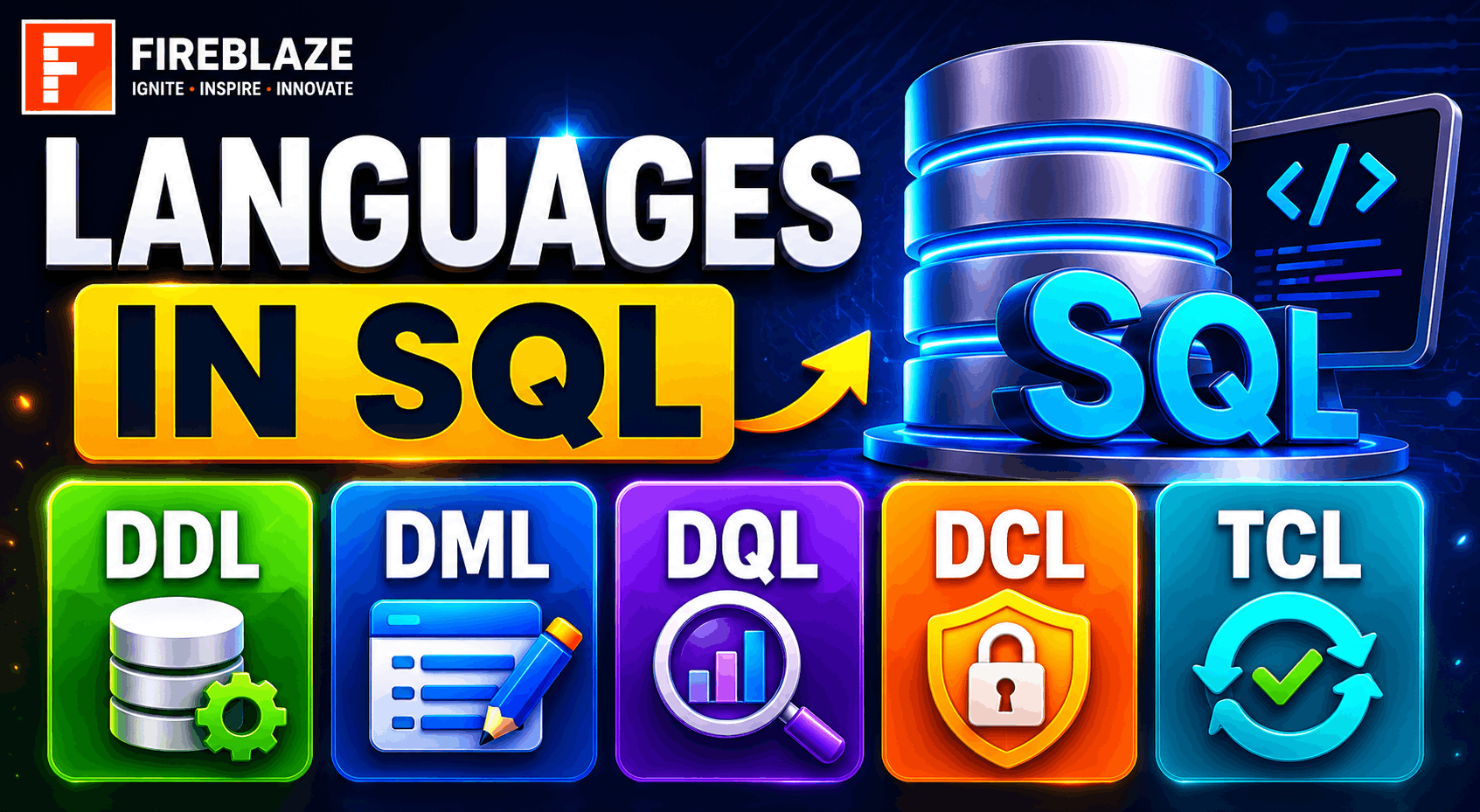
Languages in SQL: Complete Guide to SQL Sub-Languages with Examples
SQL (Structured Query Language) is one of the most important technologies used in Data Science, Data Analytics, Software Development, Database Administration, and Business Intelligence.
SQL helps users create, manage, manipulate, and retrieve data from relational databases.
To organize database operations efficiently, SQL is divided into different categories known as SQL Languages or SQL Sub-Languages.
In this guide, you'll learn:
What SQL languages are
Types of SQL languages
DDL, DML, DCL, TCL, and DQL
SQL examples
Real-world applications
Interview questions
What are Languages in SQL?
SQL commands are grouped into categories based on their functionality.
These categories are called SQL Languages.
The major SQL languages are:
| SQL Language | Full Form |
|---|---|
| DDL | Data Definition Language |
| DML | Data Manipulation Language |
| DQL | Data Query Language |
| DCL | Data Control Language |
| TCL | Transaction Control Language |
Each category performs a different role in database management.
DDL (Data Definition Language)
DDL commands define and manage database structures.
These commands are used to:
Create tables
Modify tables
Delete database objects
Common DDL commands:
CREATE
ALTER
DROP
TRUNCATE
CREATE Command
Used to create database objects.
Example:
CREATE TABLE Students(\nStudent_ID INT,\nName VARCHAR(50),\nCourse VARCHAR(50)\n);\nThis creates a Students table.
ALTER Command
Used to modify table structure.
Example:
ALTER TABLE Students\nADD Email VARCHAR(100);\nThis adds a new column.
DROP Command
Used to delete database objects.
Example:
DROP TABLE Students;\nThis removes the table permanently.
TRUNCATE Command
Removes all records from a table.
Example:
TRUNCATE TABLE Students;\nThe table structure remains intact.
DML (Data Manipulation Language)
DML commands are used to manipulate data inside tables.
Common DML commands:
INSERT
UPDATE
DELETE
INSERT Command
Adds new records.
Example:
INSERT INTO Students\nVALUES(\n101,\n'Rahul',\n'Data Science'\n);\nUPDATE Command
Modifies existing records.
Example:
UPDATE Students\nSET Course =\n'Artificial Intelligence'\nWHERE Student_ID = 101;\nDELETE Command
Removes records.
Example:
DELETE FROM Students\nWHERE Student_ID = 101;\nDQL (Data Query Language)
DQL is used to retrieve data from databases.
Main command:
SELECT
SELECT Command
Retrieves data from tables.
Example:
SELECT *\nFROM Students;\nRetrieve specific columns:
SELECT Name,\nCourse\nFROM Students;\nDCL (Data Control Language)
DCL controls database permissions and access.
Common commands:
GRANT
REVOKE
GRANT Command
Provides access permissions.
Example:
GRANT SELECT\nON Students\nTO User1;\nREVOKE Command
Removes permissions.
Example:
REVOKE SELECT\nON Students\nFROM User1;\nTCL (Transaction Control Language)
TCL manages database transactions.
Common commands:
COMMIT
ROLLBACK
SAVEPOINT
COMMIT Command
Permanently saves changes.
Example:
COMMIT;\nROLLBACK Command
Undoes changes.
Example:
ROLLBACK;\nSAVEPOINT Command
Creates checkpoints inside transactions.
Example:
SAVEPOINT Update_Point;\nSQL Languages Summary Table
| Language | Purpose | Commands |
|---|---|---|
| DDL | Structure Management | CREATE, ALTER, DROP, TRUNCATE |
| DML | Data Manipulation | INSERT, UPDATE, DELETE |
| DQL | Data Retrieval | SELECT |
| DCL | Access Control | GRANT, REVOKE |
| TCL | Transaction Management | COMMIT, ROLLBACK, SAVEPOINT |
Real-World Applications of SQL Languages
Banking Systems
Uses:
TCL for transactions
DCL for security
DML for account updates
E-commerce Platforms
Uses:
DML for order management
DQL for reports
TCL for payments
Healthcare Systems
Uses:
DDL for patient databases
DCL for access control
DQL for patient records
Educational Platforms
Uses:
Student management
Course enrollment
Result generation
Difference Between DDL and DML
| DDL | DML |
|---|---|
| Defines structure | Manipulates data |
| Works on tables | Works on records |
| CREATE, ALTER | INSERT, UPDATE |
Difference Between DCL and TCL
| DCL | TCL |
|---|---|
| Controls permissions | Controls transactions |
| GRANT, REVOKE | COMMIT, ROLLBACK |
Common SQL Interview Questions
What are the different languages in SQL?
The main SQL languages are:
DDL
DML
DQL
DCL
TCL
What is DDL?
DDL manages database structures.
Examples:
CREATE
ALTER
DROP
What is DML?
DML manipulates data stored in tables.
Examples:
INSERT
UPDATE
DELETE
What is DQL?
DQL retrieves data using the SELECT command.
What is DCL?
DCL controls database access permissions.
Examples:
GRANT
REVOKE
What is TCL?
TCL manages database transactions.
Examples:
COMMIT
ROLLBACK
SAVEPOINT
Why SQL Languages Matter in Data Careers
Professionals working in:
Data Analytics
Data Science
Database Administration
Business Intelligence
Software Development
must understand SQL languages thoroughly.
SQL is one of the most frequently required skills in technical interviews and real-world projects.
Understanding SQL sub-languages helps professionals manage databases efficiently and solve business problems using data.
Best Practices for Learning SQL
Learn SQL categories step by step.
Practice writing queries daily.
Work on real datasets.
Understand database relationships.
Learn transaction management.
Build SQL projects.
Practical experience is the fastest way to master SQL.
Final Thoughts
SQL is much more than just writing SELECT queries. It includes multiple sub-languages that help define structures, manipulate data, retrieve information, manage permissions, and control transactions.
Understanding DDL, DML, DQL, DCL, and TCL is essential for anyone pursuing careers in Data Science, Data Analytics, Software Development, Database Administration, and Business Intelligence.
Mastering SQL languages will help you build strong database skills and prepare effectively for technical interviews and real-world data-driven projects.